Stops an exact repeat
When you save a new Purchase or Journal voucher, it compares the supplier, the invoice number and the amount with what is already booked.
Restrict Duplicate Invoice
TallyPrime will save a second voucher with the same supplier invoice. That can mean paying the bill twice and claiming the GST credit twice. This add-on stops the entry when the supplier, the invoice number and the amount all match. It also lists the repeats already in your books.
or scroll down to see it work ↓
Built and tested on TallyPrime 7.1 · installs in 2 minutes · posts nothing · your data never leaves your computer
Why it matters
It happens easily. Two people book the same invoice. A bill comes by email and again by courier. Someone books it again at year end because they could not find the first entry. Tally saves the second voucher without a word.
After that, your purchases and your input tax credit are both too high, and the supplier’s ledger shows money you do not owe. If nobody notices, the bill gets paid again. The usual time to find out is the GST reconciliation or the audit, long after the money has gone.
Made for CAs who check clients’ books and for company accounts teams who enter purchases every day.
The rule
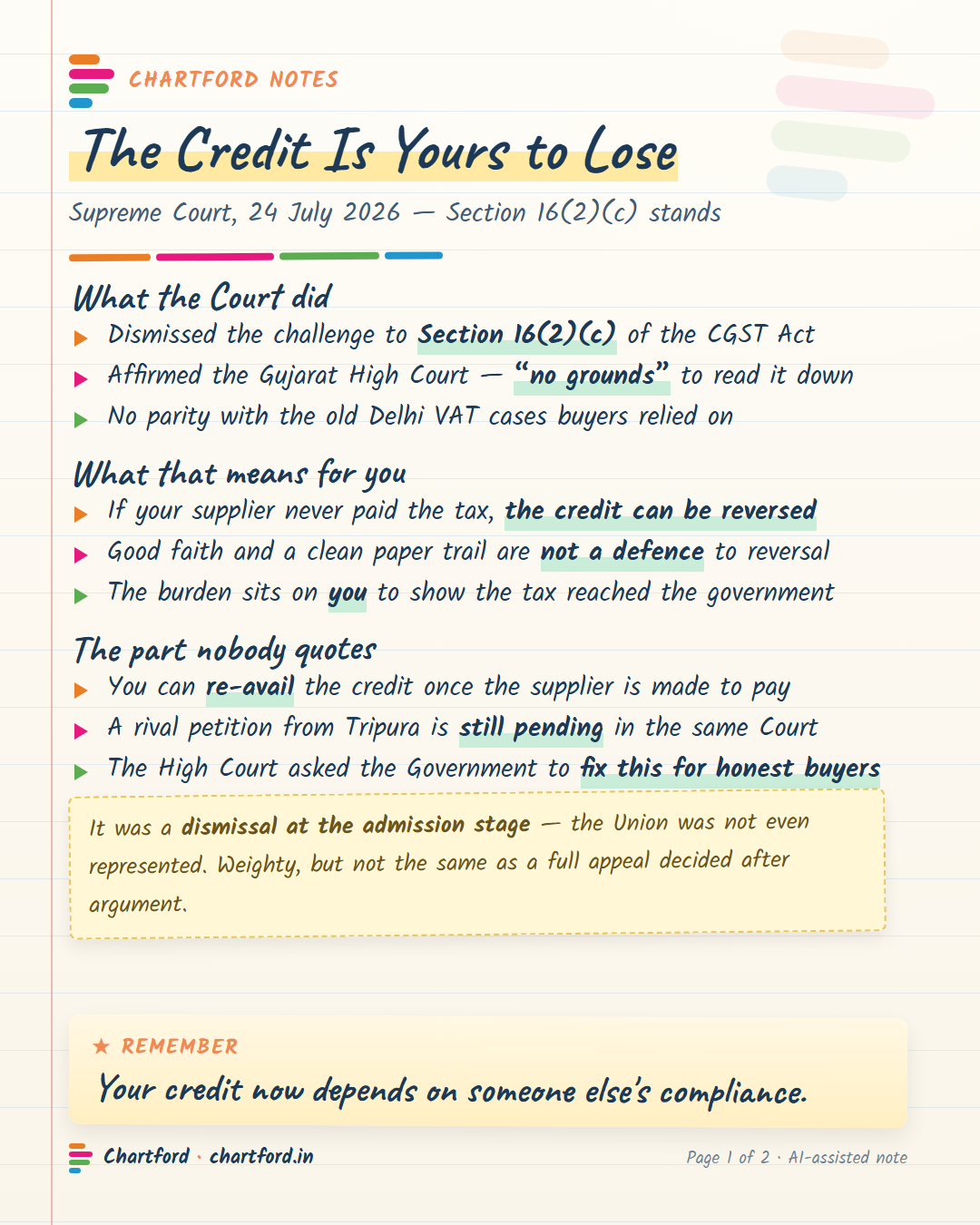
The same invoice number is not always a mistake. A courier’s invoice is often entered in two parts: duty by journal and handling charges by purchase. So the amount decides.
| What you are entering | What happens |
|---|---|
| Same supplier, same invoice number, same amount | Stopped on save |
| Same supplier, same invoice number, different amount | A warning. You can continue |
| Different supplier, same invoice number | Allowed |
| A journal that debits the supplier and quotes the invoice number, such as a re-charge or a reversal | Allowed |
| The earlier voucher is cancelled or optional | Allowed |
“INV 001” and “inv001” count as the same number: spaces and capitals are ignored. “INV/001” is a different number.
See the repeats already in your books
Go to Gateway of Tally → Chartford → Duplicate Supplier Invoice Finder. List A is what to check first. List B is usually fine, and it is there so you can be sure.
| Supplier | Supplier Invoice No. | Copies | Amount | Last vch no. | Last vch date |
|---|---|---|---|---|---|
| Meridian Supplies Co | 0318 | 2 | 23,600.00 | 287 | 3-Sep-25 |
| Northwind Traders Pvt Ltd | NT/2411 | 2 | 1,18,000.00 | 412 | 14-Nov-25 |
| Supplier | Supplier Invoice No. | Copies | Lowest | Highest | Last vch no. | Last vch date |
|---|---|---|---|---|---|---|
| Bexley & Co LLP | BX/4471 | 3 | 1,180.00 | 1,86,200.00 | 356 | 8-Oct-25 |
| Crestline Systems | CS-77 | 2 | 1,200.00 | 14,160.00 | 198 | 21-Jul-25 |
Demo company. No real supplier or amount is shown. Press Enter on a row to open that supplier’s ledger vouchers, find the invoice number and correct it. The list shows the last voucher of each group, not every voucher in it.
What it does
When you save a new Purchase or Journal voucher, it compares the supplier, the invoice number and the amount with what is already booked.
On a Purchase, the moment you choose a supplier whose invoice number is already booked, it tells you. A Journal gets the same warning on save.
A voucher counts only if it credits the supplier. A journal that debits the supplier is an adjustment, not a second bill.
The finder lists every repeat already in the period, so you can clean up the books you have, and not only the entries to come.
Change a number or a party on an old voucher so that it matches another bill of the same amount, and it stops you. Change only the narration on an old repeat, and it saves.
It compares inside the period you have open. Many suppliers start again from 1 every April, so the same number last year is not a repeat.
It adds no field, stores no data and posts no voucher. Remove the file and your Tally screens are exactly as before.
Load one file into TallyPrime. No licence key and no expiry. It sits under Gateway of Tally → Chartford.
How it works
Get it free
Tell us where to send it and we email you the file with install steps. It is free and it stays free. It is yours to keep and to share.
We use your email to send the file and the manual, and to tell you if a new version ships. Reply “stop” at any time and we will not write again.
Straight answers
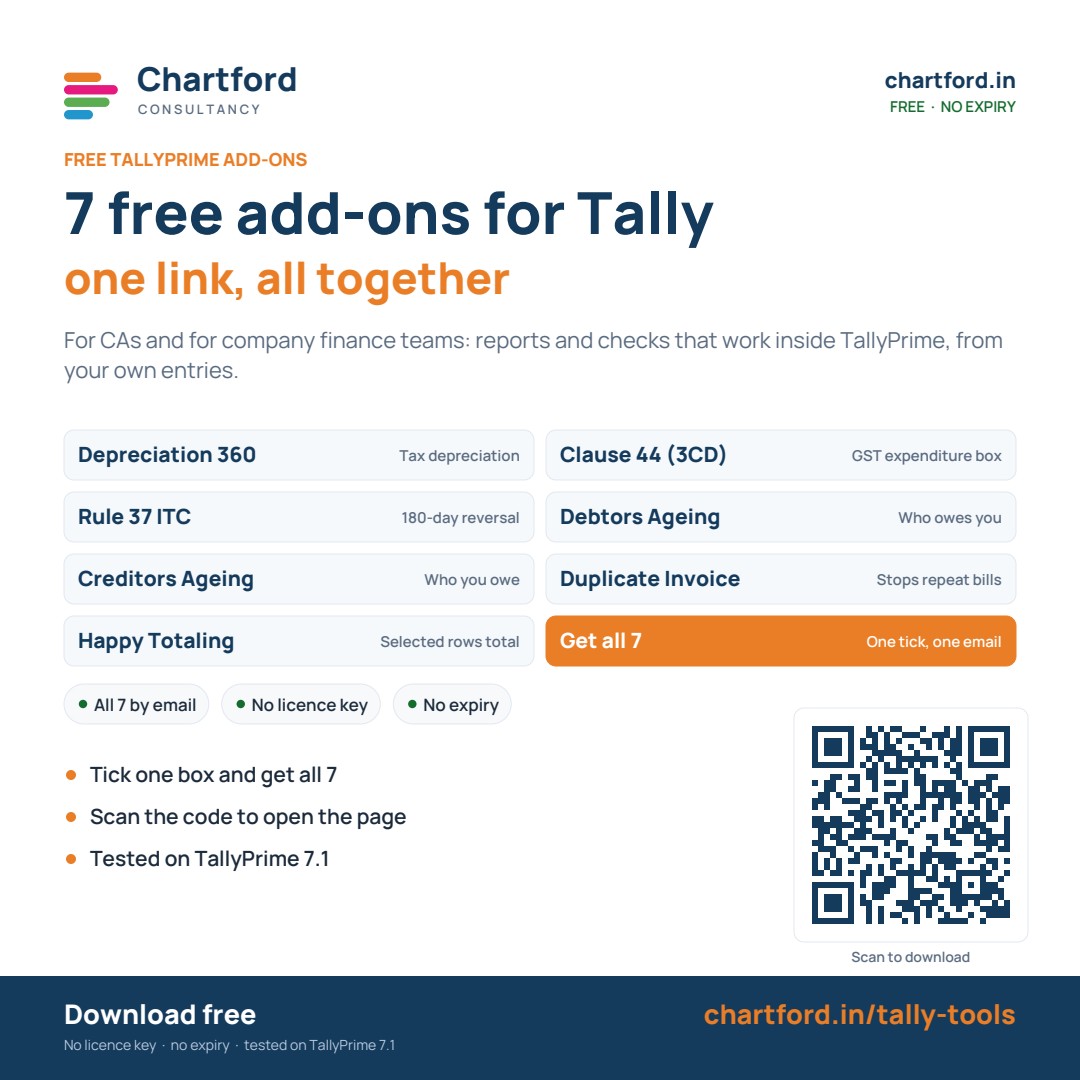
FREE TALLYPRIME ADD-ONS
For CAs and for company finance teams. Take the one you need, or get all 7 at once. No licence key, no expiry.

Free first consultation — tell us where you are and we'll tell you exactly what's possible. No commitment.
Book a free consultation