FREE TALLYPRIME ADD-ONS
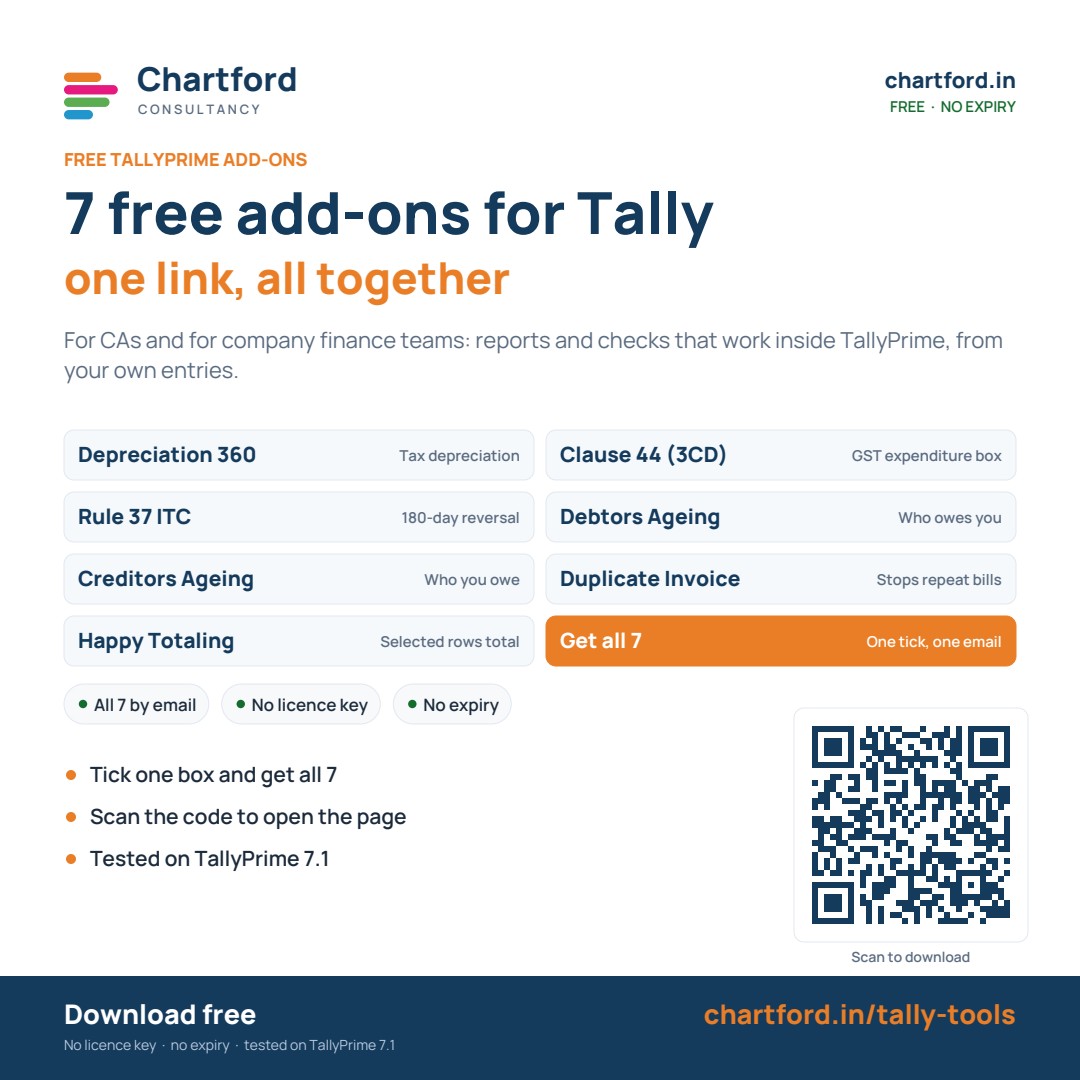
7 free add-ons for TallyPrime
Reports and checks that work inside Tally, from your own entries. Made for CAs and for company finance teams. No licence key, no expiry.
Tested on TallyPrime 7.1 · all 7 sit under one Chartford menu
FREE TALLYPRIME ADD-ONS
All 7 free add-ons from Chartford
For CAs and for company finance teams. Take the one you need, or get all 7 at once. No licence key, no expiry.

Get all 7 in one email
Tell us where to send them. You get one .zip file with all 7 add-ons and the install steps. Free, and yours to keep and to share.
Updates and fixes are announced there first, along with new free tools.
We use your email to send the file and to tell you if a new version ships. Reply “stop” at any time and we will not write again.
Install in a few minutes
Try them first on a copy of your company, or after a fresh backup.
- 1. UnzipUnzip the file into a folder that stays on your computer.
- 2. Open the listIn TallyPrime press F1 (Help), choose TDLs & Add-Ons, then press F4.
- 3. Add the filesSet “Load TDL files on startup” to Yes, then add each .tdl file you want, one line each.
- 4. Open themPress Ctrl+A to accept, then go to Gateway of Tally > Chartford.
Common questions
Is it really free?
Yes. No payment, no licence key and no expiry. They are yours to keep and to share.
Do I have to take all 7?
No. Open any tool above and take only that one. If you want them all, this page sends all 7, and every tool’s form has a box to tick.
Why do you ask for my mobile number?
So we can reach you about these add-ons if you need help or a new version comes out. We do not share it. To stop this at any time, write to care@chartford.in.
Can all 7 run together?
Yes. They all sit under one menu, Gateway of Tally > Chartford. We run all 7 together on TallyPrime 7.1.
Which TallyPrime do I need?
All 7 are tested on TallyPrime 7.1. Some also work on older releases, and each tool’s page says which.
Will they change my books?
None of them passes a voucher for you. Some remember your choices, such as a block you confirm, so they are there next time. Restrict Duplicate Invoice can stop a repeat entry when you save it. Check the figures before you rely on them.